Cancel All Facebook Sent Freind Requests!
More often than not you find someone interesting and send them a friend request but don’t get a response. That sucks. Well, getting to undo these sent friend requests sucks more.
Today, I’d like to share a 3-step tutorial to remove/cancel all the pending friend requests you have sent on Facebook in one click.
(Even if you have iOS or Android, I suggest you do this on a laptop).
This works as of August 2024.
Step 1 – Go to the Facebook Friends Mobile Site and Scroll Down to the Bottom
First of all visit here:
https://m.facebook.com/friends/center/requests/outgoing/#friends_center_main
Step 2 – Go to the Chrome/Firefox Console
You can right-click anywhere on the page and then select Inspect.
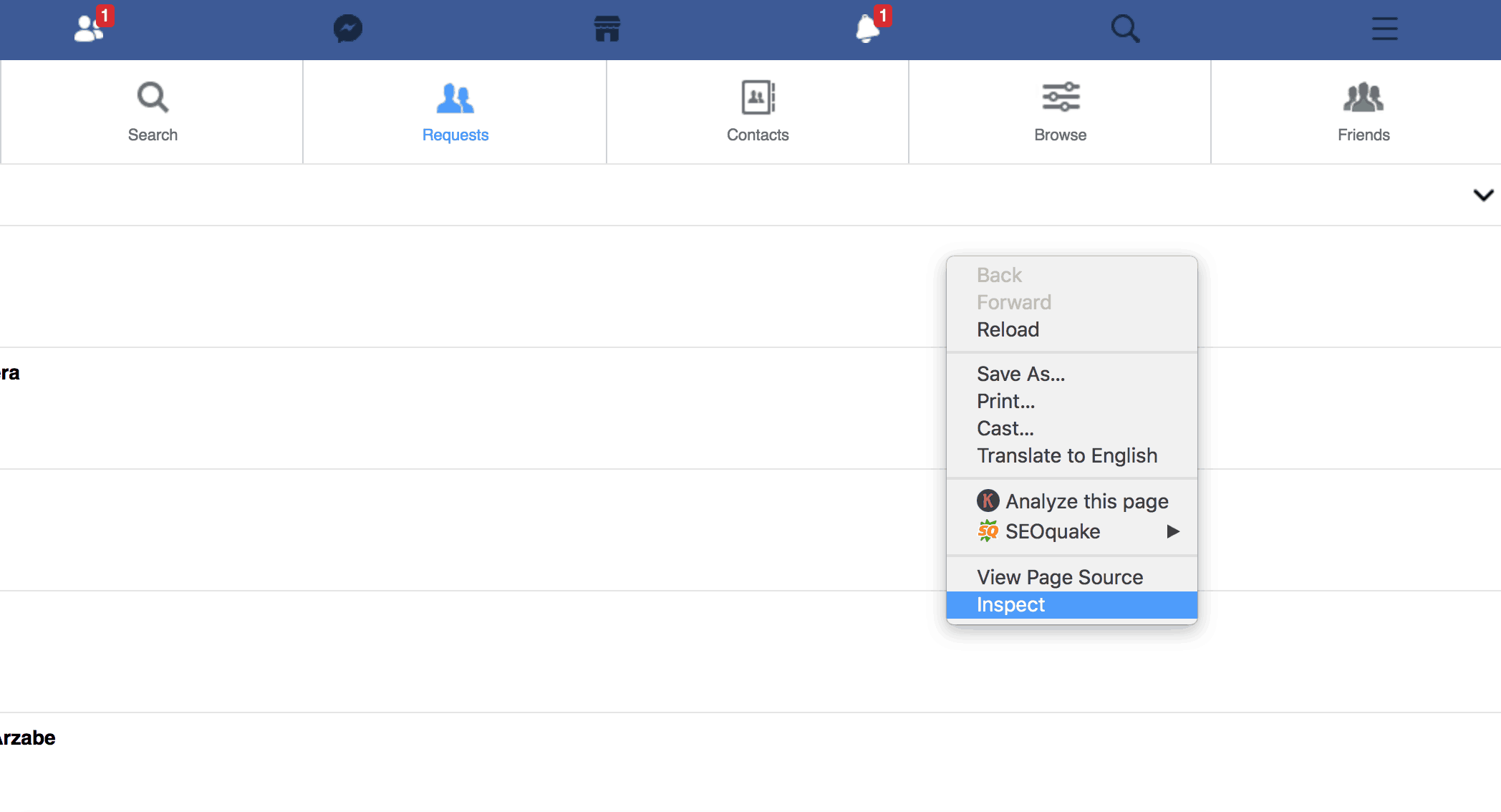
or you can press alt+cmd+J on Chrome.
Step 3 – Paste this script on the console
var inputs = document.getElementsByClassName('_54k8 _52jg _56bs _26vk _2b4n _56bt');
for(var i=0; i != inputs.length; i++) {
inputs[i].click();
}
That’s it! You’re done.
Method-2 : Manual Method
If there’s only one specific friend request you want to cancel, you can do so by
- Going to your sent friend requests.
- Hovering over Friend Request Sent next to the request you’d like to cancel.
- Selecting Cancel Request > Cancel Request.
If you liked this, share it with a growth hacker!
Also, if you are in the same space as me (entrepreneurship, digital marketing, growth hacking) let’s connect on Facebook! I love meeting new people.
![☆彡ֆαтуαм🇮🇳 [☆ᏕᎶ ] Avatar](https://0.gravatar.com/avatar/6127b409c14c4bf06a832d45962137921dccebe626874e2edc5bc525d7d866b3?s=56&d=identicon&r=G)
 AskSatyam
Leave a comment